Opens in a new tab

AnalyzerPlus Noise Analysis Software

Download, analyse and report noise measurements from compatible Pulsar sound level meters and personal noise dosimeters.

AnalyzerPlus brings noise measurements together in one place, helping you review results, manage measurement data and prepare reports.

The software supports the following Pulsar instruments:

  • Nova sound level meters
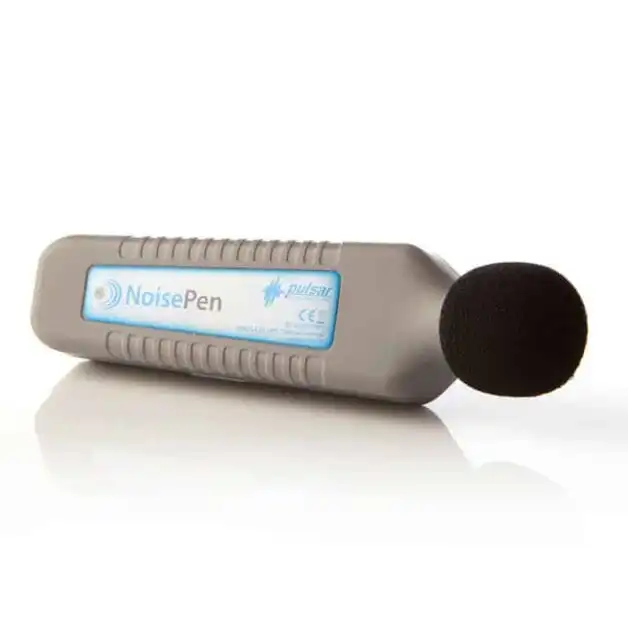
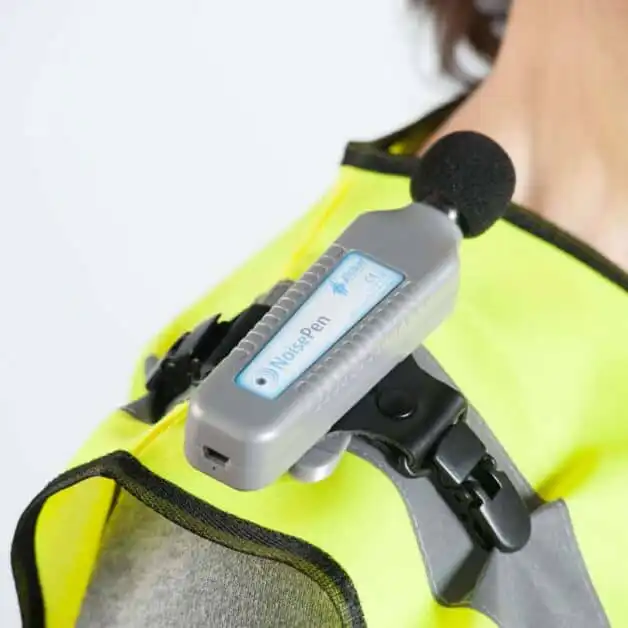
  • NoisePen personal noise dosimeters
  • NoiseBadge personal noise dosimeters
  • Quantifier sound level meters
  • Assessor sound level meters

Before installing, please check the system requirements below. Installing this version will update and replace any previous version of AnalyzerPlus on the computer.

For Model 30 or Model 33 sound level meters, please check the Acoustic Toolbox download instead.
Current Software

Download Software

Check the system requirements below before installing.
Download Software
System Requirements

AnalyzerPlus PC System Requirements

To get the best from AnalyzerPlus, your PC or laptop should meet the minimum specifications and, where possible, the recommended specifications. Last updated on 20 January 2026.

AnalyzerPlus runs on Windows PCs and laptops and is not compatible with macOS.

  • Minimum: Windows 11 (x64 or Arm64)
  • Recommended: Windows 11 version 24H2 (x64 or Arm64)

Windows XP and Windows Vista are no longer supported.

Minimum Specifications

  • Processor: 2 GHz with 4 cores and 3 GHz boost
  • Memory: 8 GB RAM
  • Available Storage: 20 GB
  • Display: 1920 × 1080

Recommended Specifications

  • Processor: 3 GHz with 8 cores and 4 GHz boost
  • Memory: 16 GB RAM
  • Available Storage: SSD with 100 GB free space
  • Display: 1920 × 1080 or higher

Allow approximately:

  • Installation: 2 GB for AnalyzerPlus and its dependencies
  • Temporary Files: Up to 5 GB during measurement downloads and audio playback
  • Measurement Data: 1 GB per instrument per year, based on typical usage

Audio Recording Storage

Audio recordings require additional space. AnalyzerPlus stores audio in FLAC format to reduce file sizes compared with the original WAV recordings.

Approximate storage required per hour:

  • Standard Quality: 70 MB FLAC or 115 MB WAV
  • High Quality: 300 MB FLAC or 510 MB WAV
  • Studio Quality: 800 MB FLAC or 1.35 GB WAV

The total space required depends on the recording duration and selected audio quality.

AnalyzerPlus can play audio through a PC’s built in sound card and speakers.

For improved playback quality, a dedicated sound card or external digital to analogue converter may be helpful.

Good quality external speakers are required for playback at realistic sound levels, including when using the speaker calibration feature.

Compatible With