
Opens in a new tab
10-Year Warranty

NoiseBadge Reader Unit

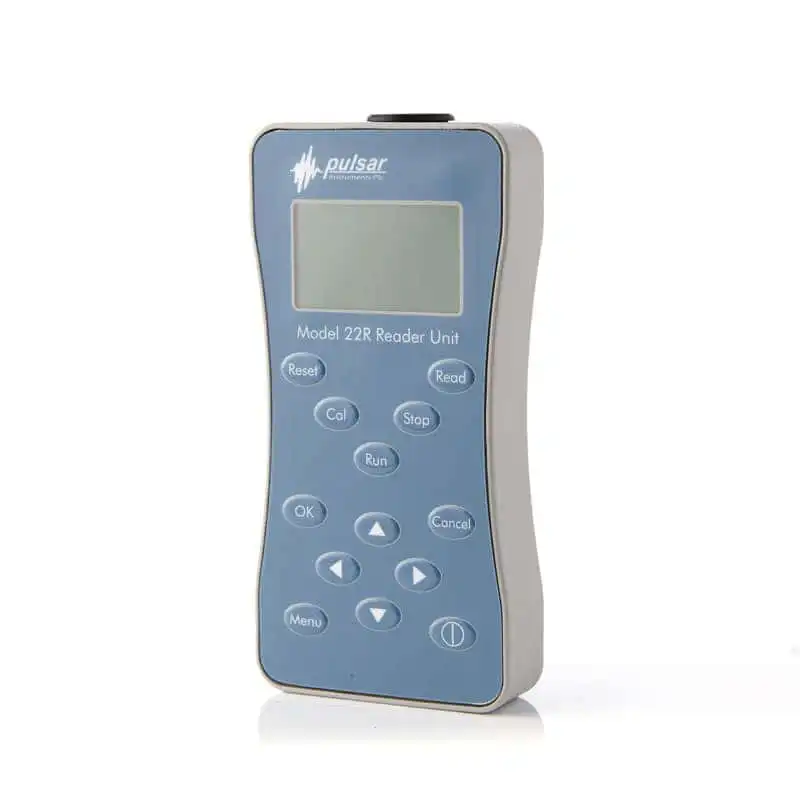
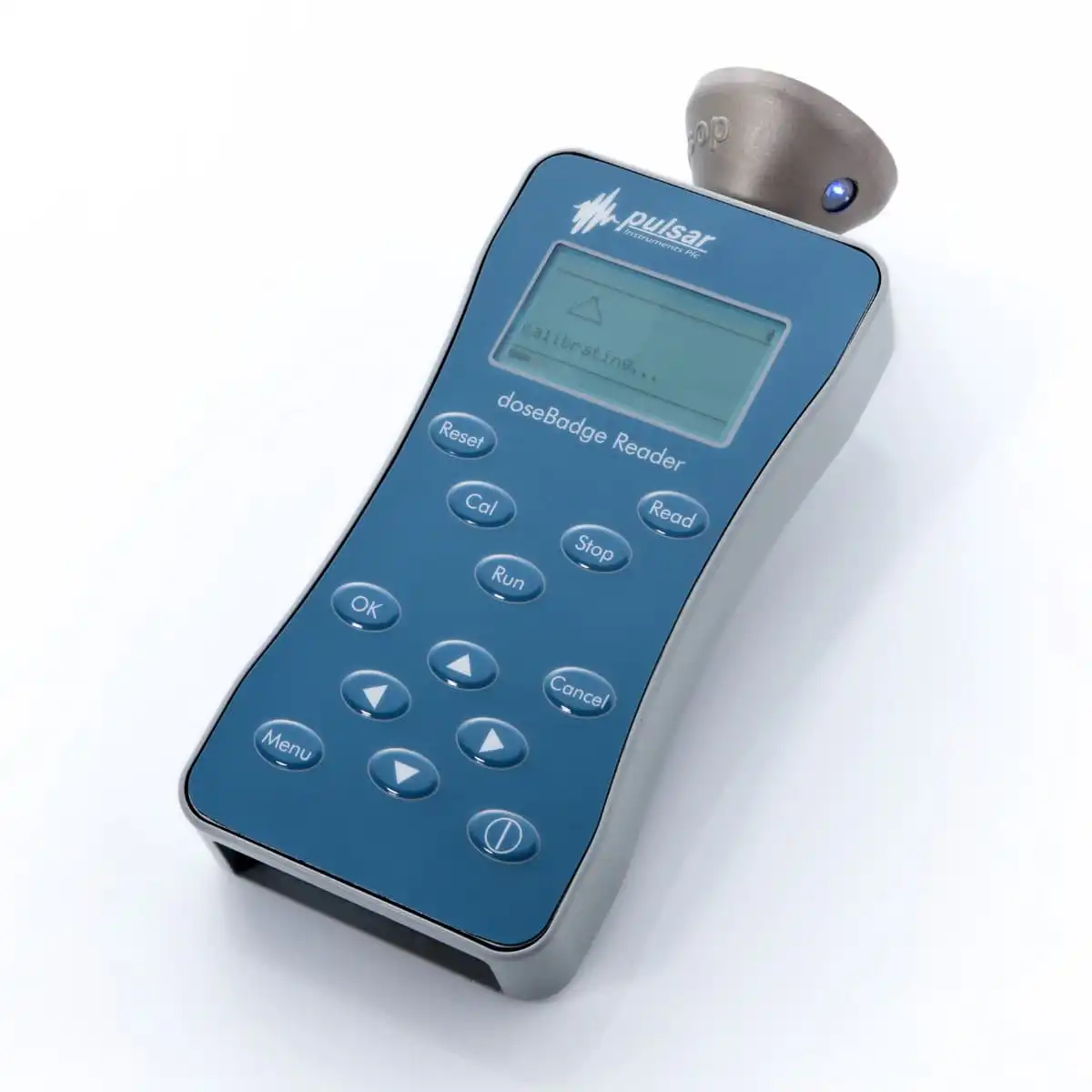
The NoiseBadge Reader Unit is required to start and stop the NoiseBadge and to download the noise exposure data. The Reader Unit includes an integrated acoustic calibrator for field calibration of the individual dosimeters before and after use.

  • Configures and controls NoiseBadges
  • Integrated acoustic calibrator
  • Infrared start/stop control across multiple dosimeters
  • On-screen viewing of measurements
  • Stores and transfers data to AnalyzerPlus

£1,000.00 (Ex. VAT/GST)

SKU: MODEL22-R
Delivery2–3 working days
ShippingWorldwide
WarrantyExtended 10-year warranty
SoftwareLicence-free software included

The NoiseBadge Reader Unit configures, starts, stops and downloads measurements from the NoiseBadge without requiring any controls on the dosimeter itself. All settings are managed through the Reader, keeping the badges tamper-proof while measurements are taking place.

Accurate Field Calibration with the Integrated Calibrator

The Reader is used to field calibrate the NoiseBadge in accordance with occupational noise regulations. Before and after a measurement, the dosimeter is placed into the calibrator cavity of the Reader, and the Reset and Cal buttons are used to clear previous data, apply the current configuration, update the time and date, and calibrate the dosimeter.

Easy Control Across Multiple Workers

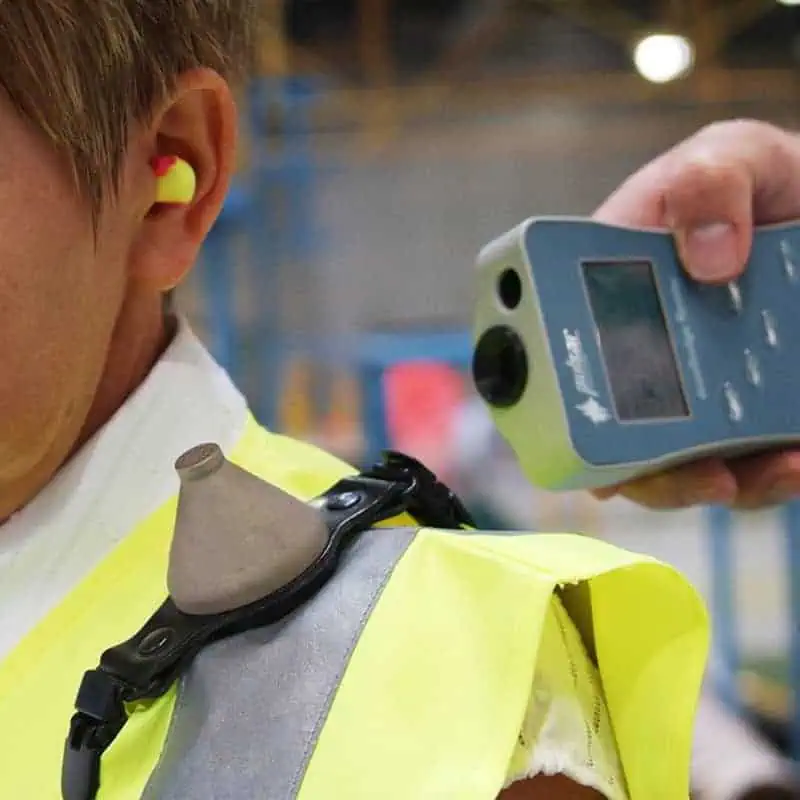
The Reader uses an infrared link to start and stop measurements. Multiple badges can be started or stopped quickly, making it straightforward to monitor larger teams.

View Measurements Instantly or Analyse in AnalyzerPlus

Measurements can be viewed directly on the Reader’s backlit LCD screen before being downloaded into AnalyzerPlus. The Reader can store up to 768 hours of data from multiple badges, which can then be downloaded to AnalyzerPlus for analysis and reporting.

The NoiseBadge Reader Unit is supplied with the following accessories.

NoiseBadge Reader Unit

  • Reader Unit
  • USB Download Cable
  • Batteries
  • Calibration certificate

The NoiseBadge Reader Unit includes a standard 1-year warranty, which can be extended to 10 years when the instrument is returned to Pulsar Instruments for annual calibration.

The sections below outline the basic operation of the NoiseBadge Reader Unit. For full instructions, please refer to the NoiseBadge user manual.

Resetting and Calibrating the NoiseBadge

Before and after each measurement, place the badge into the calibrator cavity of the Reader unit, ensuring the infrared window on the NoiseBadge aligns with the window on top of the Reader unit. Press Reset to clear previous data, load the current configuration, and update the date and time. Then press Cal to automatically calibrate the dosimeter and apply any necessary adjustment.

Starting a Measurement

Aim the Reader at the NoiseBadge, ensuring the infrared windows are aligned, and press Run on the Reader. The indicator light on the badge will start flashing to confirm it is actively measuring. The badge will start measuring automatically, recording all key parameters including LAeq, LEP,d, % Dose, and TWA throughout the working period.

Stopping a Measurement

At the end of the shift, aim the Reader at the NoiseBadge, ensuring the infrared windows are aligned, and press Stop on the Reader to end the measurement. The indicator light on the badge will stop flashing to show that the measurement has stopped.

Downloading Data

Insert the badge into the calibrator cavity on the Reader and perform a post-measurement calibration. Press Read on the Reader to download the measurement from the badge. Connect the Reader to AnalyzerPlus to download and review your measurements. Reports can be generated directly within AnalyzerPlus, or data can be exported for further analysis. Stored measurements can also be viewed on the Reader’s display, which can hold approximately 768 hours of data from multiple NoiseBadges.

Reviews

There are no reviews yet.

Only logged in customers who have purchased this product may leave a review.