Description
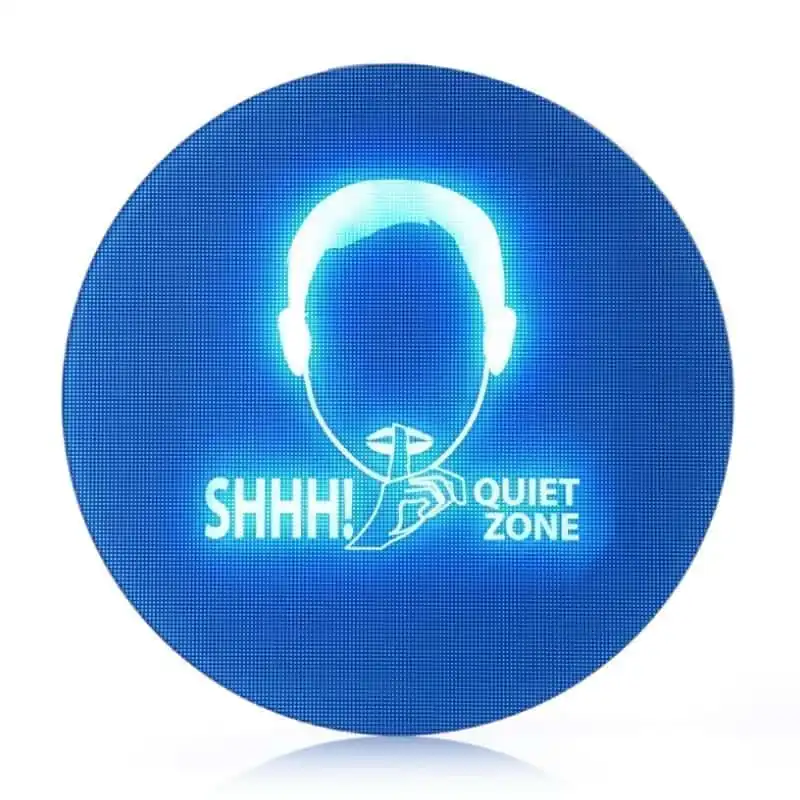
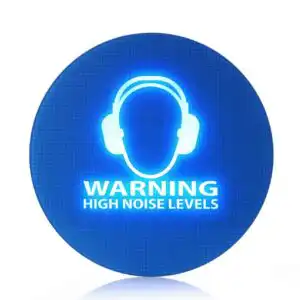
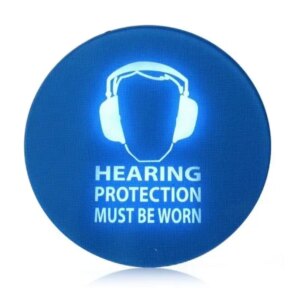
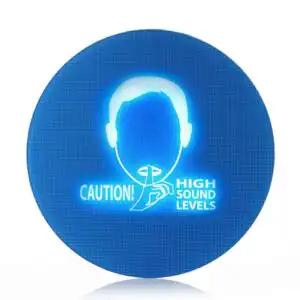
The SafeEar is a noise-activated warning sign that helps maintain a calm and quiet environment. When noise levels exceed a chosen threshold, the SafeEar illuminates to provide a clear visual alert to keep noise levels down. It is ideal for offices and call centres, healthcare environments, educational settings and other spaces where excessive noise can cause disruption.
Suitable for maintaining quiet environments
The SafeEar provides a clear visual alert when noise exceeds a set level. With an adjustable trigger range from 40 dB(A) to 114 dB(A), the sign is ideal for both very quiet spaces and louder environments where a higher trigger level is needed.
The SafeEar’s bright LED ensures the warning is clearly visible. An optional turn-off delay keeps the sign illuminated for up to 30 seconds after noise falls back below the trigger level, making it ideal for environments where sound levels change frequently and helping to avoid constant flashing.
Customisable visibility options
The SafeEar’s brightness can be adjusted to suit a range of environments. It can be set to a high level for bright areas, or reduced for settings such as a hospital where a less intrusive alert is more suitable.
In larger or more complex spaces, a single SafeEar may not provide full coverage. The SafeEar Master Unit can be daisy-chained to up to three Remote Display Units, so that all linked signs activate simultaneously from the Master’s trigger level.
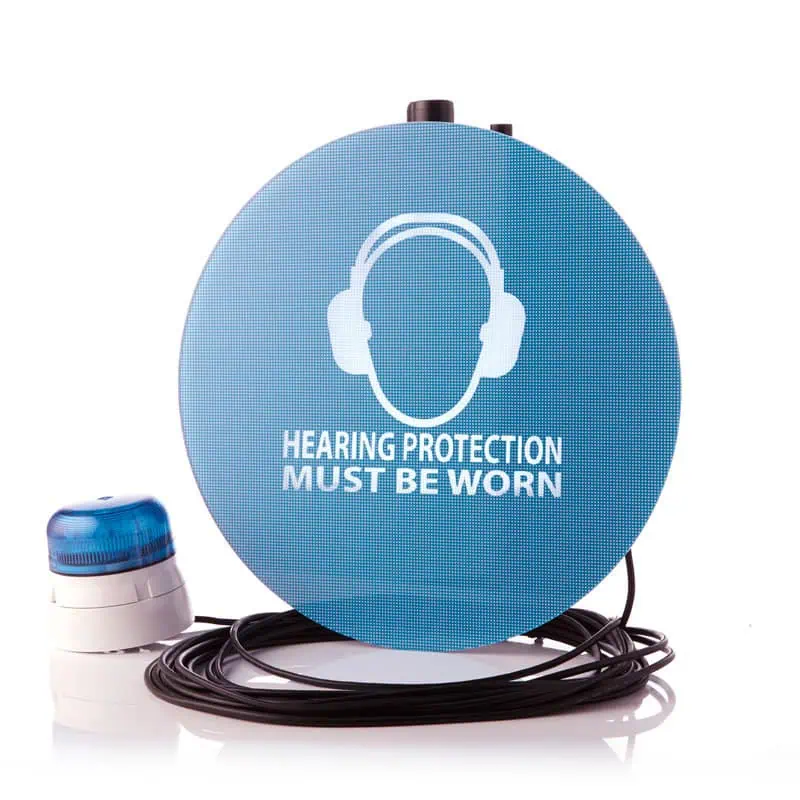
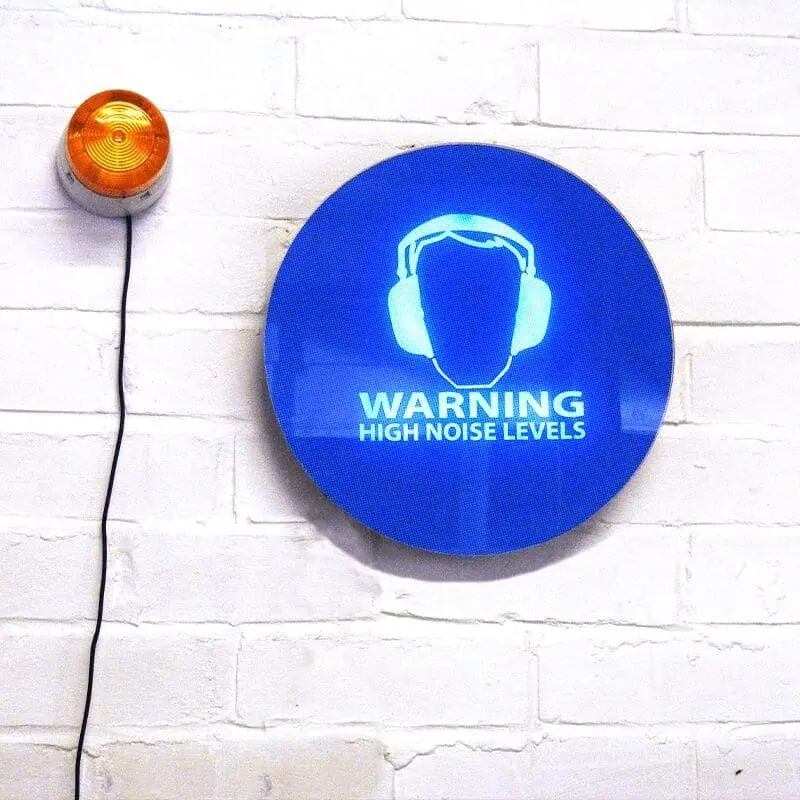
Where greater visibility is needed, optional beacons can be added to provide a more noticeable alert.
Language options and custom designs
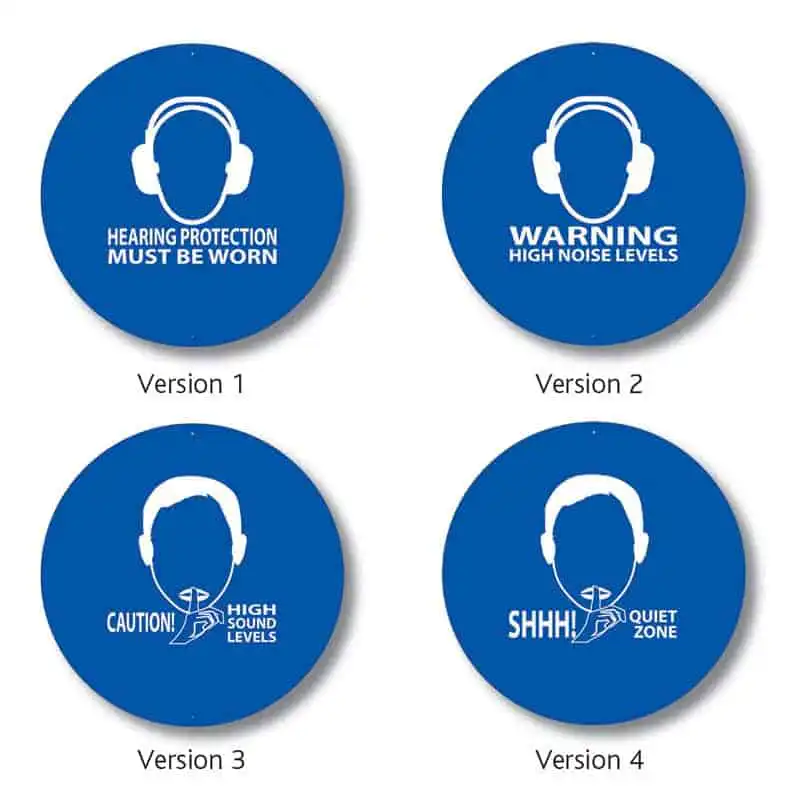
The SafeEar is available in English, German, French and Spanish as standard.
Additional languages can also be supplied on request.
Custom designs, including company branding or specific wording, are available for orders of 10 or more signs. Please get in touch with us for details.
Optional data logging to capture noise levels
The SafeEar can be fitted with the SafeEar Data Logger, which allows LAS noise levels to be recorded over long periods. The data logger can be programmed to begin recording at specific times and at set intervals over a day, a week or longer. The data can then be downloaded to a PC for analysis and reporting.
Product Options
The SafeEar Noise-activated Warning Sign is available as a Master or Remote unit and includes the following accessories.
SafeEar Master
The SafeEar Master includes an integrated microphone and a user-adjustable trigger level.
- SafeEar Master Unit
- Power Supply
- 5m Power Extension Cable
- Screwdriver
- Mounting screws
- Calibration certificates
SafeEar Remote
The SafeEar Remote does not include a microphone, but it connects to the SafeEar Master.
- SafeEar Remote Unit
- 10m Connection Cable
- Mounting screws
The SafeEar Noise-activated Warning Sign includes a standard 1-year warranty, which can be extended to 10 years when the instrument is returned to Pulsar Instruments for annual calibration.
Instructions
The sections below outline the basic operation of the SafeEar Noise-activated Warning Sign. For full instructions, please refer to the user manual.
Setting the Trigger Level and Brightness
The trigger level and display brightness are adjusted using the dials on the back of the unit, behind the cover. Remove the cover using the provided screwdriver. The trigger level can be set between 40 dB(A) and 120 dB(A). This level is measured at the microphone position, so take into account any distance between the noise source and the microphone.
To disable the 30-second turn-off delay, add “800” to the dB setting. For example:
085 = 85 dB(A) with 30-second delay
885 = 85 dB(A) with no delay
The brightness can be adjusted between 0 and 9 to suit the environment using the top dial.
Installing the Pulsar SafeEar
The SafeEar is quick and easy to install. Use the paper mounting template found in the user manual to mark the correct spacing for the wall fixings. Drill two holes, insert the wall plugs, and secure the screws, leaving a small gap for the unit to slide into place. Once the screws are fitted, align the holes on the back of the SafeEar with the screws and gently slide the unit down into position.
Connecting the Power
Plug the power cable into the Power In socket and connect the mains adapter to a suitable outlet. The SafeEar will now automatically illuminate when the noise levels exceed the selected trigger level.
Connecting a Remote Display Unit
The SafeEar Master can be used with up to three optional Remote Display Units to extend visibility. Connect the supplied cable between the Power Out socket on the Master Unit and the Power In socket on the Remote Unit. When multiple Remote Units are required, link them in sequence by connecting the Power Out socket of one Remote Unit to the Power In socket of the next. All connected displays will illuminate when the Master Unit detects noise above the trigger level.
Mount each Remote Unit securely using the wall-mounting template and the provided fixings. Ensure that all cables are firmly connected and routed safely before powering on the system.
Optional Data Logger
An optional SafeEar Data Logger is available that allows you to store and review noise measurements made by the SafeEar. To use the data logger, install the SafeEar Software on your PC and follow the instructions provided in the user manual.
Applications
The SafeEar Noise-Activated Warning Sign provides a clear visual alert when noise levels exceed a pre-set threshold, providing a clear visual reminder to reduce noise to acceptable levels.
Classroom Noise
In educational settings, the SafeEar helps maintain a calm and focused learning environment. When noise rises above the chosen trigger level, the sign illuminates to remind students and staff to lower their voices. This simple visual alert supports better concentration, reduces stress for both teachers and students, and helps prevent the escalating noise levels.
Hospital Noise
In hospitals and healthcare settings, the SafeEar Noise-Activated Warning Sign helps reduce excessive noise that can disturb patients and impact recovery. When noise exceeds the chosen trigger level, the sign illuminates to remind staff and visitors to lower their voices and reduce background noise. Excessive sound levels are common in wards, intensive care units, and neonatal units, where alarms, equipment, and staff often push noise levels above limits recommended by the World Health Organization. By providing a visual reminder, the SafeEar helps maintain a calmer, more restful environment, promoting faster recovery and patient wellbeing.
Office and Call Centre Noise
In offices and call centres, the SafeEar helps create a quieter, more productive workspace. When background noise exceeds the chosen trigger level, the sign illuminates to remind staff to lower their voices. Excessive noise is a common cause of distraction and stress in busy workplaces, often leading to reduced concentration, communication issues and lower job satisfaction. By providing a simple, visual alert, the SafeEar encourages awareness of noise levels and supports employers in promoting wellbeing, productivity and a more positive working environment.
Reviews (1)
Only logged in customers who have purchased this product may leave a review.






Susie Henwood –
As part of my MSc dissertation in critical care at Cardiff University, I aimed to reduce noise levels on an intensive care unit, to enhance sleep quality and reduce the incidence of delirium. A Pulsar SafeEar Noise Warning Sign was placed within each individual bed space, following the activation of the warning signs, quiet time noise reduced by 3 dBA and night time noise reduced by 4 dBA. This reduction in noise levels also reduced the incidence of delirium by 8.1% from the previous year. These results highlight the importance of these visual prompts to try and remind staff and visitors to reduce noise levels.