The sections below outline the basic operation of the Outdoor Environmental Noise Monitoring Kit. For full instructions, please refer to the user manual.
Setting Up
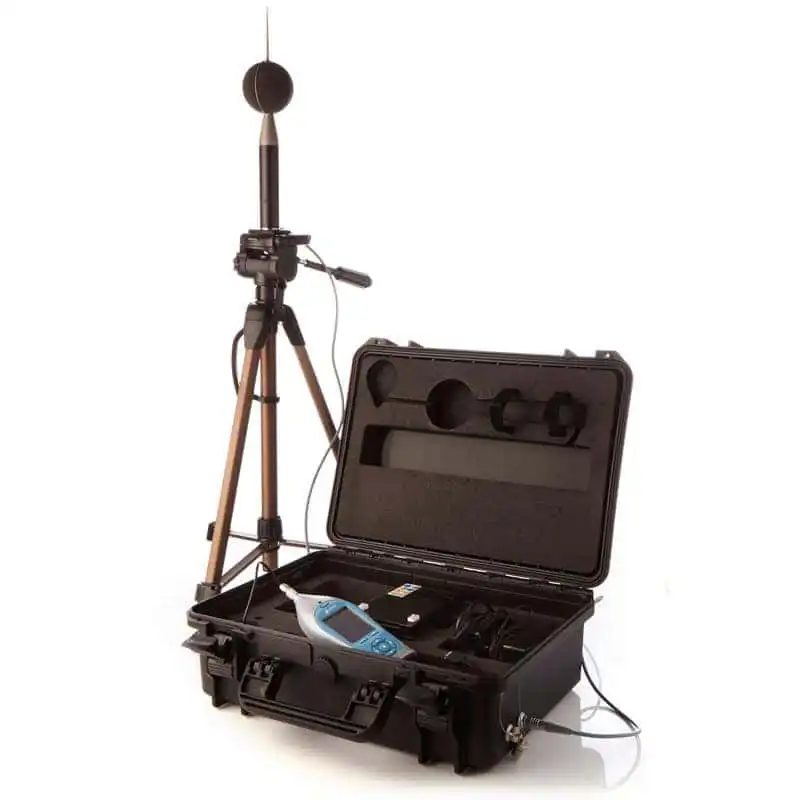
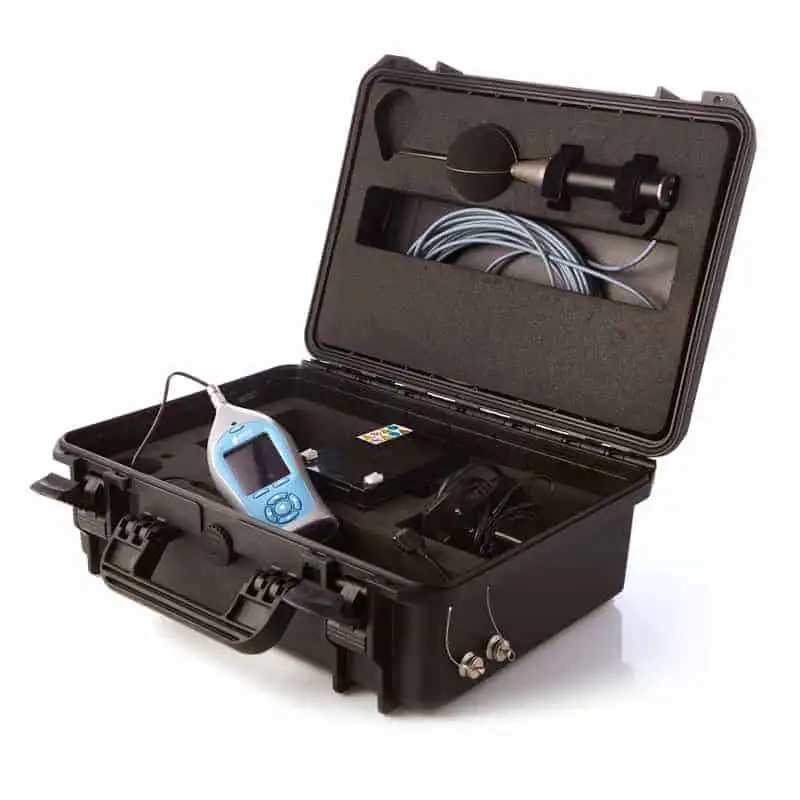
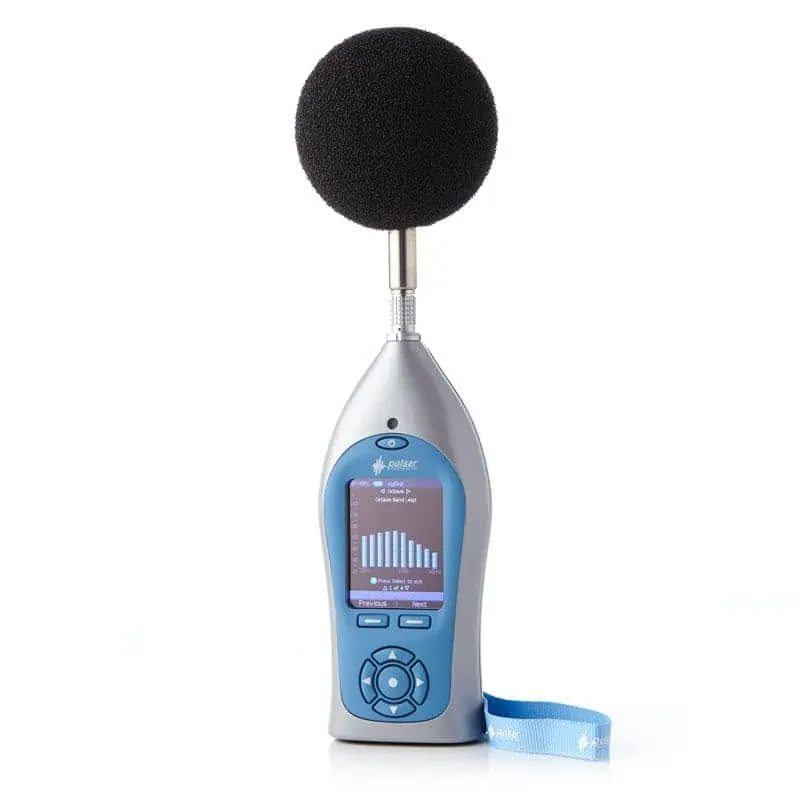
Place the Outdoor Kit on a flat, stable surface. Carefully remove the preamplifier and microphone from the Nova and attach the microphone capsule to the outdoor preamplifier by gently screwing it into place. Place the black cover from the outdoor preamplifier on the Nova preamplifier, then store the Nova preamplifier in the hole in the kit case to keep it safe.
Fit the Nova into the case and connect the 6-pin microphone cable to the socket at the top of the meter and the 18-pin multi-way connector to the socket at the base. Ensure both connectors are aligned correctly and tightened securely.
Powering the System
Connect the red and blue spade connectors from the battery leads to the terminals on the rechargeable 12V batteries, ensuring a secure fit. The kit can operate on one or two batteries, providing around 7 days with a single battery and over 14 days with both batteries connected.
For extended monitoring, an external 12–18V DC supply can be connected via the side input using the PSC3 cable or PS3 mains adapter. Always disconnect the batteries or power supply when the system is not in use.
Calibrating the System
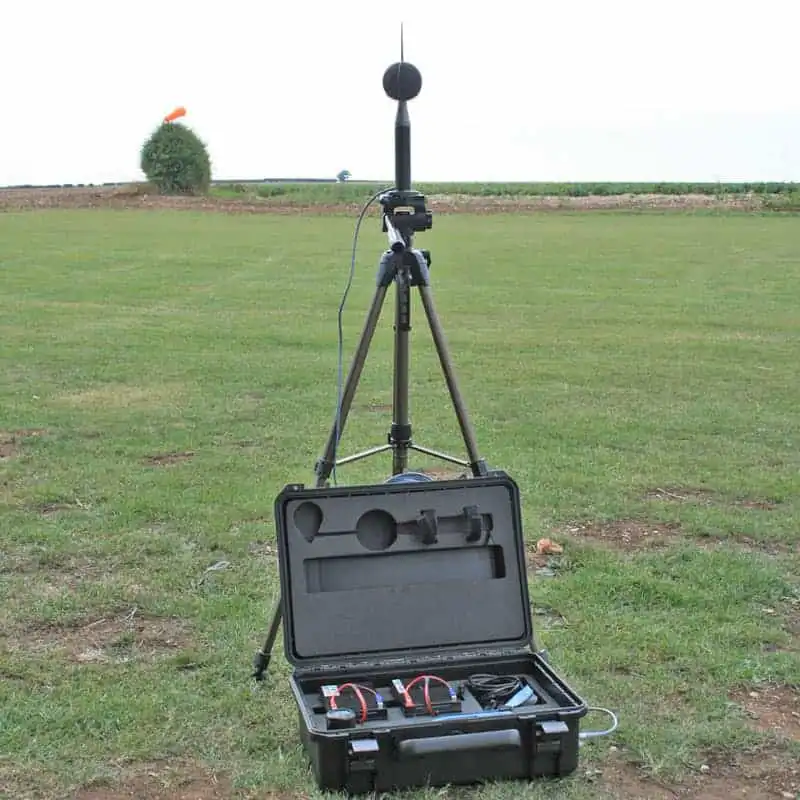
Mount the outdoor microphone assembly securely on the supplied tripod and position it on firm, level ground away from large reflective surfaces. Connect the outdoor microphone assembly to the Outdoor Microphone Connector on the case using the supplied 6-pin plug, and ensure it is secure.
Fit the acoustic calibrator directly over the microphone capsule on the outdoor preamplifier and switch the calibrator on. On the Nova, press Calibrate and wait for the process to complete. Once calibration is finished, remove the calibrator and securely fit the outdoor windshield over the microphone. Check that all connections are tight and that the microphone assembly is stable.
Making Measurements
Confirm that the Nova is receiving power from either the internal batteries or the external power source. When operating on external power, a yellow battery symbol with a black lightning bolt will appear on the display. Check that the date and time are correct and use the Repeat Timer function on the Nova to set automatic start and stop times for unattended monitoring. When the green indicator appears on the Nova display, close and secure the case lid to protect the instrument from harsh weather. Take care when closing the lid to avoid trapping cables. For full instructions on using the Nova, refer to the Nova Environmental User Manual.
Downloading and Reporting
At the end of the monitoring period, open the case carefully and disconnect the power. Remove the Nova and connect it to your PC using the supplied USB cable. Open AnalyzerPlus to download and review the stored measurements. Reports can be generated directly within AnalyzerPlus, or data can be exported for further analysis.





Reviews
There are no reviews yet.